
Meeting Room Booking Systems
A meeting room booking system keeps your meeting spaces organised, visible, and easy to reserve. From a quick huddle to a board meeting, a smart booking system stops double‑bookings, shows real‑time availability at the door, and helps you get more out of your rooms.
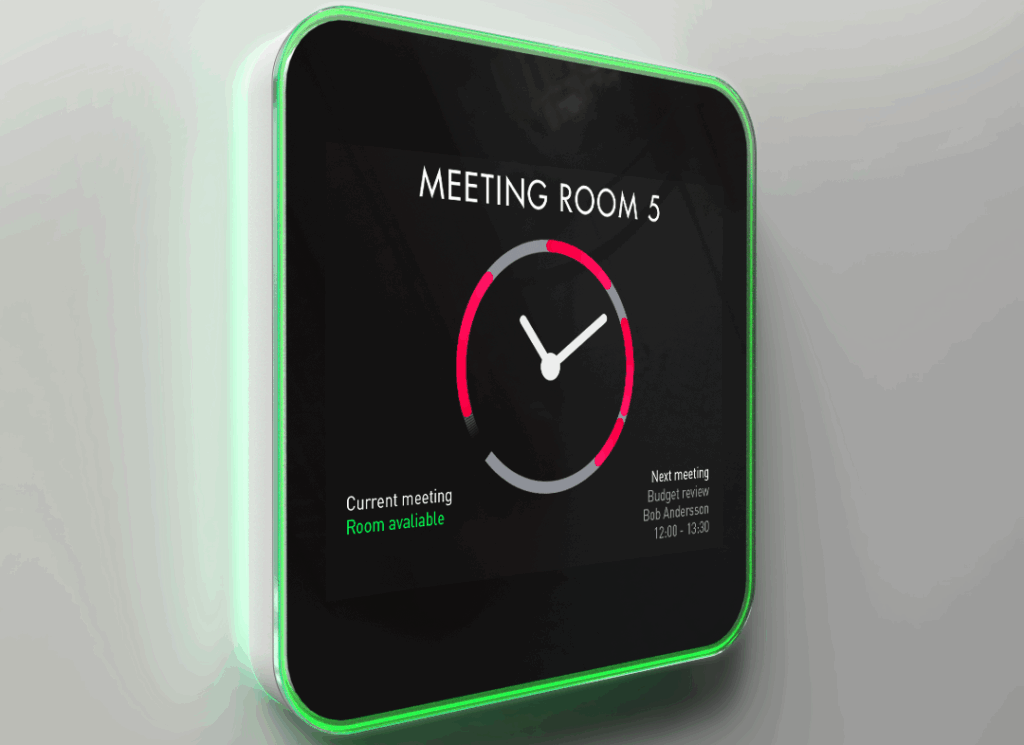
Make finding and booking a room effortless.
Our meeting room booking systems bring together the tools you need to keep rooms organised and easy to use. One‑tap check‑in makes confirming attendance simple, with optional PIN or QR code verification for secure access. Walk‑up booking supports ad‑hoc meetings, while auto‑release and extension options ensure rooms aren’t wasted if no one arrives or sessions overrun. Room status lights—either integrated LED edges or external beacons—make availability clear from a distance.
Room profiles display key details such as capacity, video platform, and amenities, helping users choose the right space. A central “find‑a‑room” feature filters by size, equipment, or location, and reception kiosks offer quick booking for visitors. Administrators can set rules around booking durations, buffer times, or approval for larger rooms. Our meeting room booking systems have built‑in analytics track utilisation and check‑in rates, while secure integration with single sign‑on and role‑based permissions ensures compliance and peace of mind.
Not sure what suits you?
Request a complimentary consultation with one of our AV experts today.
Meeting Room Booking Systems – How it works
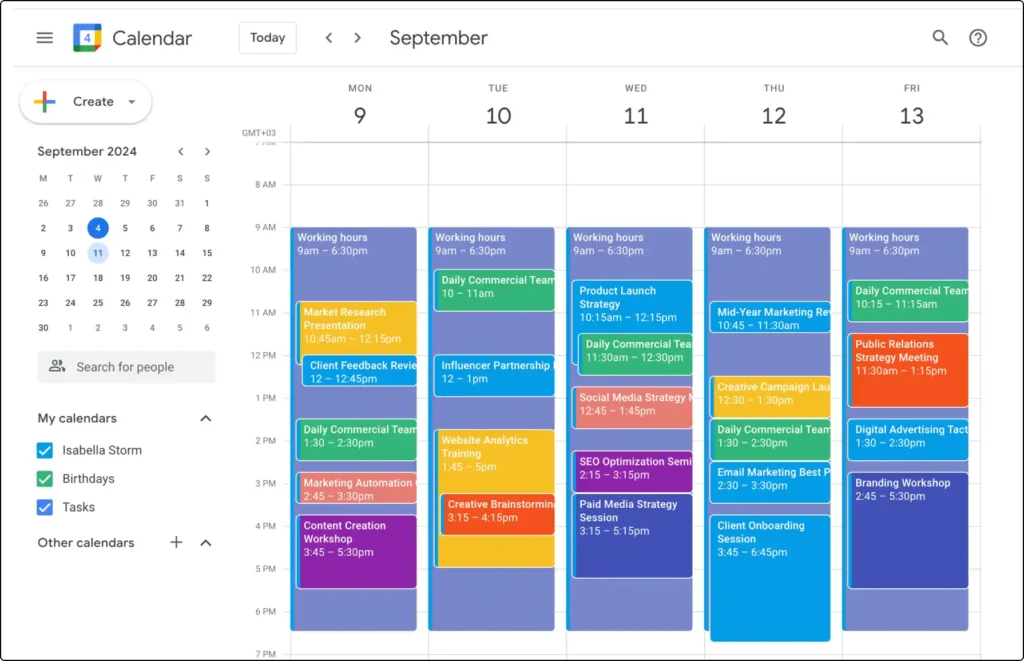
1. Connect your calendar
Works with Microsoft 365/Exchange and Google Workspace to sync meetings instantly.
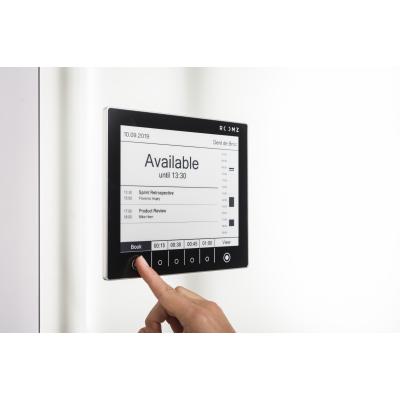
2. Add room displays
Touch panels outside each room show the schedule and allow immediate booking or check‑in.

3. Use presence data
Optional sensors confirm occupancy, release unused rooms, and improve accuracy.

4. Get insights
Dashboards reveal trends so you can right‑size your meeting spaces.
Ready to reclaim your meeting rooms? Get in touch with our team.
Free Initial Consultation
Tailored Solutions
Expert Support